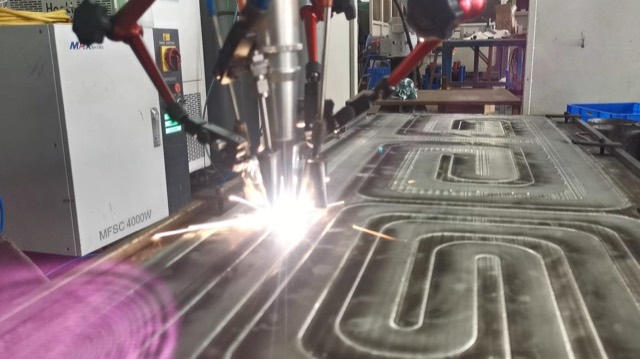
Robotic laser welding built around real parts.
Validate the weld first, then choose service production or a customized robotic laser welding system with the process, fixture, safety, and handoff already mapped.
Already own a robot? Or have a difficult part?
Apply for a complimentary engineering review. Selected projects receive one robotic welding proof test before the next equipment decision.
Start with the welding cell, then let the proof decide.
Explore robot reach, laser power, source brand, and process modules in one control panel. Not ready to choose? Start from the part and ask us to recommend the first configuration.
Watch the workstation weld, compare, and prove the result.
A short cut from the full demo shows the production promise, real welding motion, comparison logic, and customer-case evidence in one pass.
Use the right next page for your question.
Cases show project proof. Capabilities map fit. Resources explain buying decisions.
Have a difficult part?
Send drawings, photos, or sample details for a welding review.